To create a Teams group chat, with Teams open you want to click on the chat tab on the left and then on the symbol of a square with a line through it.
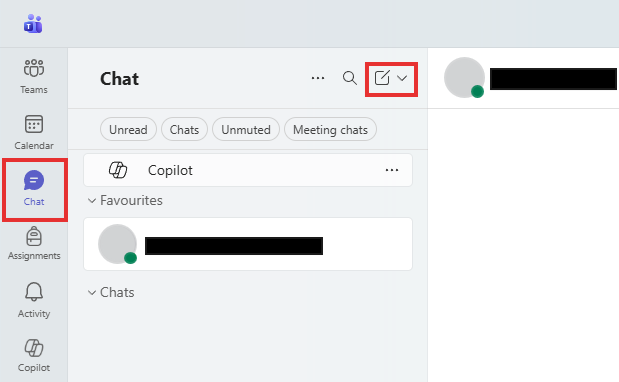
This will change the right side of Teams to a new empty chat where others can be added to the chat by typing their name or email.
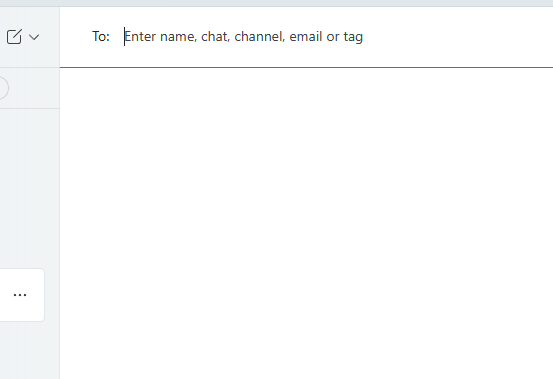
To make this a group chat simply type the names of multiple people.
Was this article helpful?
That’s Great!
Thank you for your feedback
Sorry! We couldn't be helpful
Thank you for your feedback
Feedback sent
We appreciate your effort and will try to fix the article