Downloading and using the staff overlay digital clock
NOTE: If you do not have the Desktop_Clock.exe app on your desktop, please get a member of IT Services to deploy it to your device.
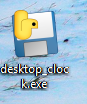
1. Double click on the downloaded file 'desktop_clock', give it a few seconds and it should load in the top left hand corner.
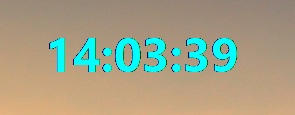
2. You can hold left click on the clock and drag it to where you like on the screen.
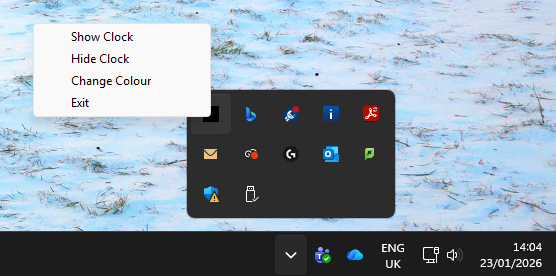
5. In bottom right hand corner, in the system tray, is where you’ll be able to configure the clock app, close the app, but also configure its colour so you can see it more easily with different backgrounds.
Any issues, let your local IT technician know by submitting a ticket to the help desk.
Was this article helpful?
That’s Great!
Thank you for your feedback
Sorry! We couldn't be helpful
Thank you for your feedback
Feedback sent
We appreciate your effort and will try to fix the article